Organize Your Images Automatically Using AI (The Easiest Folder Cleanup Trick)
Your Documents folder probably looks something like this:
- Random screenshots
- Downloaded memes
- WhatsApp images
- Edited photos
- Reference images
- Files named
Screenshot (4829).png😅
And somehow, everything ends up mixed together.
Most people keep saying they’ll organize it later… but later never comes.
That’s where this simple AI prompt becomes incredibly useful.
Instead of manually creating folders and sorting files one by one, you can let AI automatically organize your entire image collection based on the file date.
It’s fast, clean, and honestly feels satisfying once it’s done.
🧠 Automatically Organize Your Messy Image Folder with AI
If your Documents folder is full of random screenshots, downloads, memes, and saved images, this AI prompt can clean everything up in just a few minutes.
Instead of manually sorting files (which most of us never do 😅), this setup helps you:
- Automatically group images by month and year
- Keep your folders clean and structured
- Save a lot of time
- Find your files faster whenever you need them
Perfect for:
- Content creators
- Developers
- Designers
- Students
- Office users
- Anyone who takes lots of screenshots
💡 What This AI Prompt Does
This prompt will:
- Scan all image files (
jpg,jpeg,png,gif,webp,heic) inside your Documents folder - Check each file’s creation date or last modified date
- Create folders in this format:
2025-01 January
2025-02 February
2025-03 March- Automatically move each image into the correct folder based on its date
- Show a complete preview of the plan before making any changes
So you stay fully in control.
🚀 Why This AI Organization System Is Useful
If you work on a laptop daily, your image folder grows very quickly.
Screenshots from meetings, downloaded references, social media assets, edited thumbnails, mobile transfers — everything piles up over time.
After a few months, finding a single image becomes painful.
This AI-based image organization system helps by:
- Reducing folder clutter
- Keeping images sorted automatically
- Making old files easier to find
- Saving hours of manual cleanup
- Creating a cleaner workflow
It’s one of those small automations that genuinely improves your digital life.
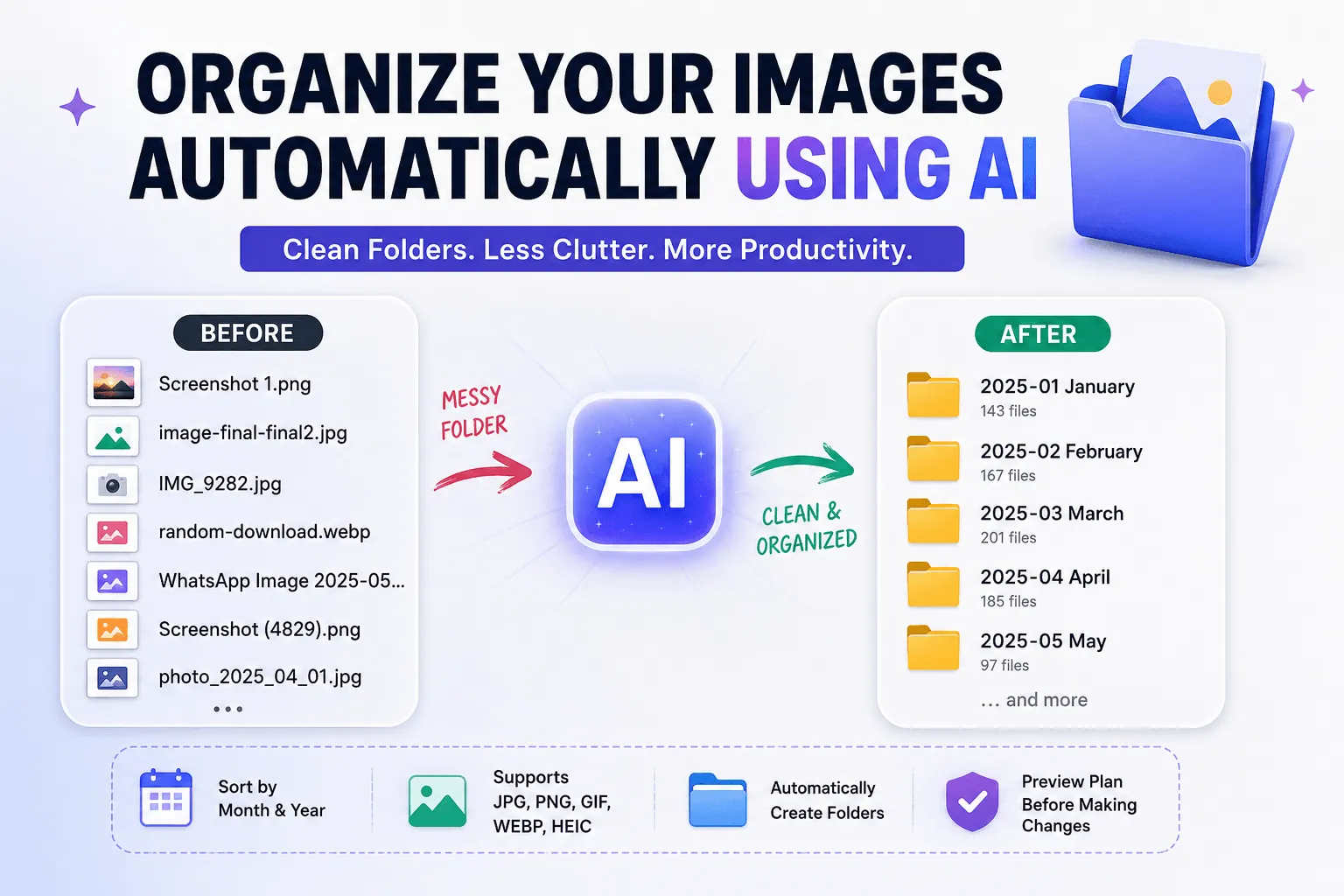
📂 Before vs After
Instead of this messy folder:
Documents/
 ├── Screenshot 1.png
 ├── image-final-final2.png
 ├── IMG_9282.jpg
 ├── random-download.webp
You get something much cleaner:
Documents/
 ├── 2025-01 January/
 ├── 2025-02 February/
 ├── 2025-03 March/
Much easier to manage.
Much easier to search.
Much less stressful.
🖼️ Supported Image Formats
This AI prompt works with common image types including:
- JPG
- JPEG
- PNG
- GIF
- WEBP
- HEIC
So it can organize screenshots, mobile photos, downloaded assets, edited images, and saved references together.
🤖 AI Prompt
Look at all image files (jpg, jpeg, png, gif, webp, heic) inside my Documents folder. For each image, check its creation date or last modified date.

Then create subfolders named by month and year using the format "YYYY-MM Month" (for example, "2025-01 January", "2025-02 February").

After that, organize all images by moving them into the correct folder based on their date.

Before making any changes, show me a detailed plan of which folders will be created and which files will be moved into each folder.
✨ Final Thoughts
This is one of those simple AI automations that feels surprisingly powerful once you start using it.
It’s practical, saves time, and helps keep your digital workspace organized without much effort.
Sometimes the best productivity systems are the ones that quietly remove friction from everyday tasks.
And this is definitely one of them 👀